Download rotki for Windows, macOS and Linux

Free and open source. Your portfolio data is stored encrypted on your device, and you don't need a rotki account to use it.

Latest release:

Verify your download
Linux

Linux

AppImage or a .deb package, for x86_64

macOS

Apple Silicon or Intel

Windows

64-bit installer (.exe)

Docker

Docker

Self-host rotki on a server you control

This releasesponsored by

Ambire Wallet
Gold sponsor ribbon
Ambire Wallet

After installing

Get started in three steps

Most people are up and running in a few minutes. The user guide walks through every step in detail.

  1. Step 1

    Install and create a user

    Install rotki and create a local user. Its password encrypts your database and cannot be recovered, so keep it somewhere safe.

  2. Step 2

    Connect your accounts

    Add exchanges with read-only API keys and add your wallet addresses. rotki pulls in balances and history and decodes it into readable events.

  3. Step 3

    Explore and report

    Check your dashboard, review your history, and create a profit and loss report for any time range.

A look inside rotki

Balances, decoded history, statistics and staking, all in one app that runs on your machine.
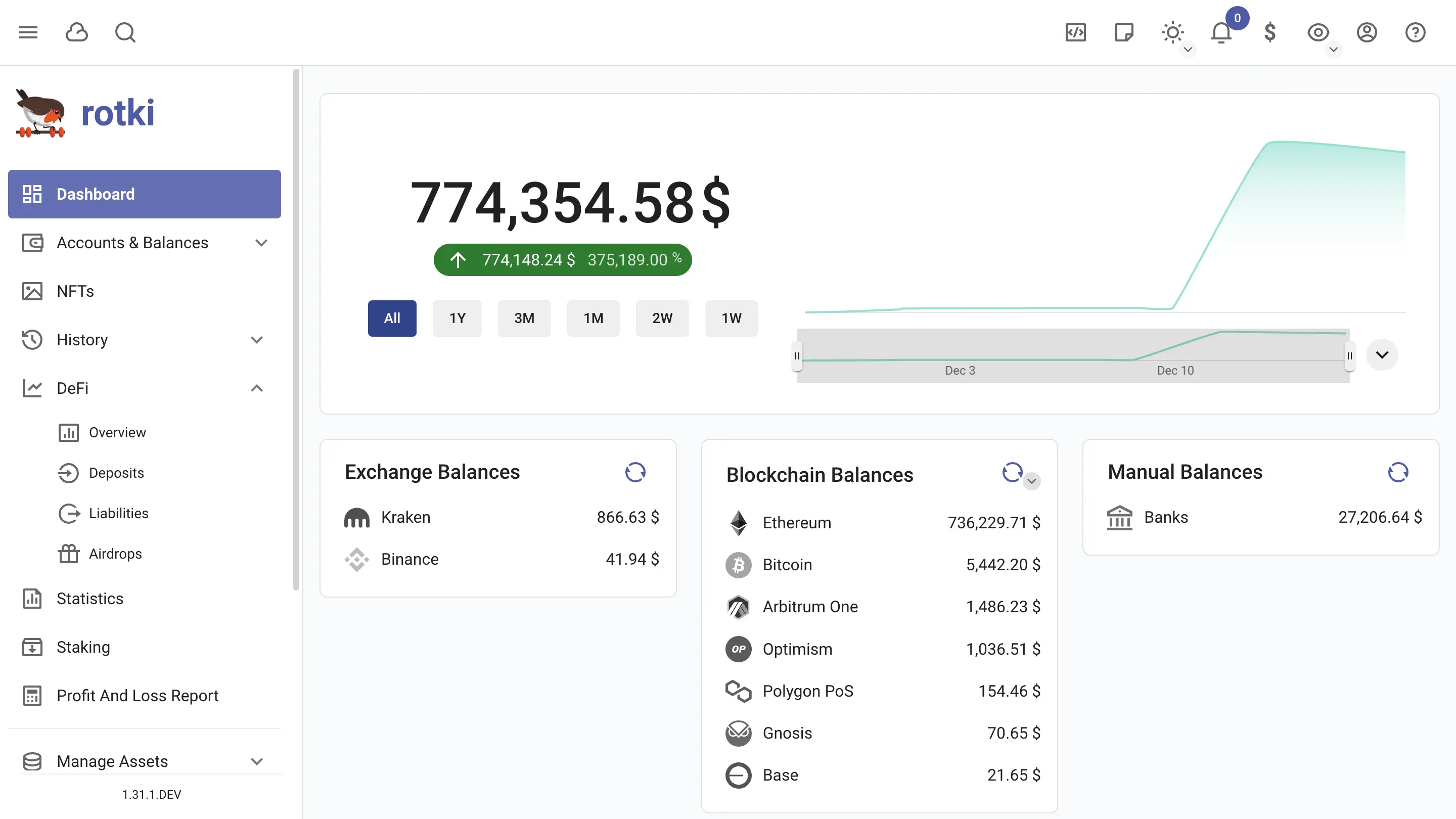
rotki dashboard showing net worth over time and balances per location
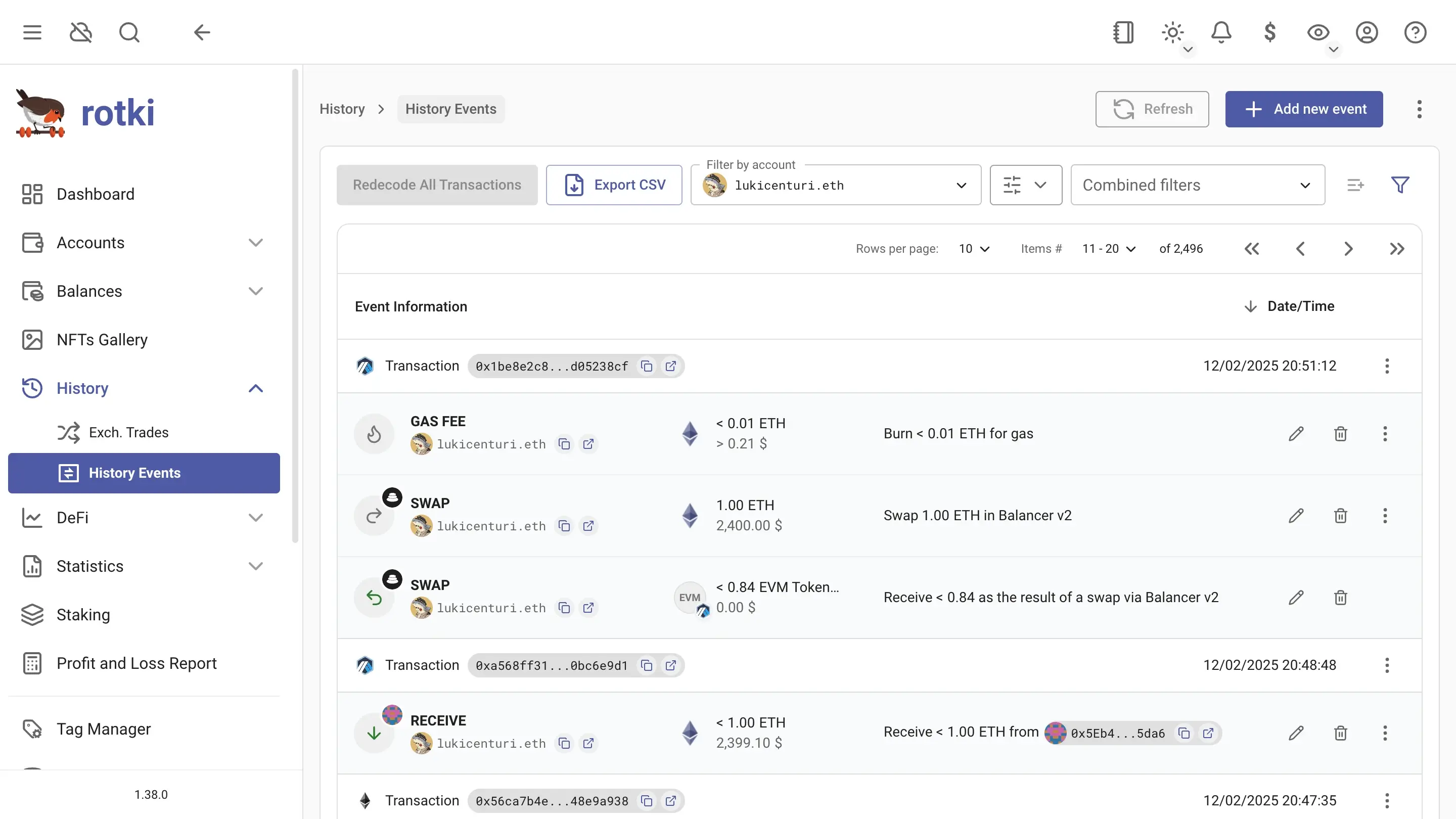
rotki history events with decoded transactions and the filter bar
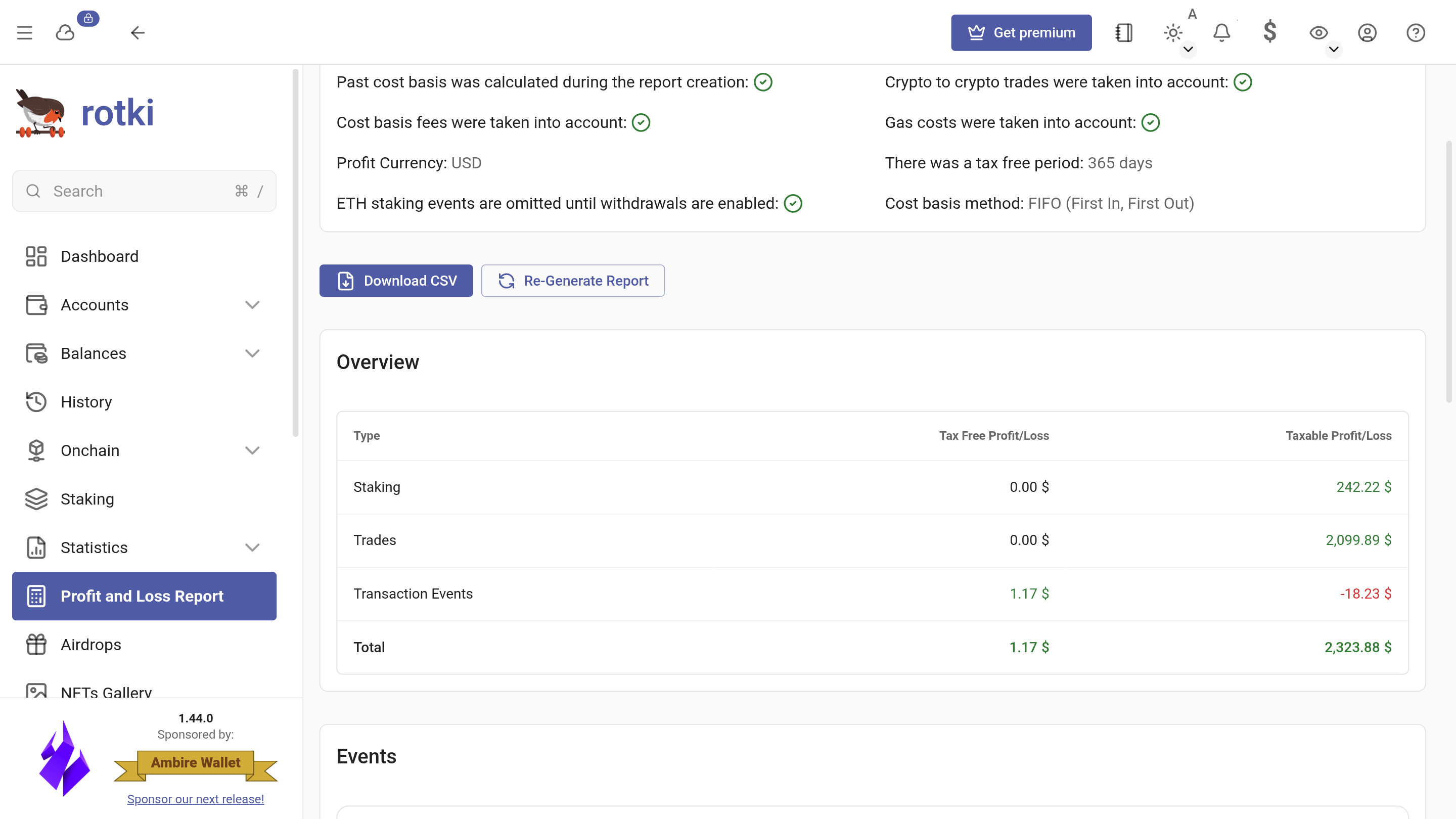
rotki profit and loss report overview
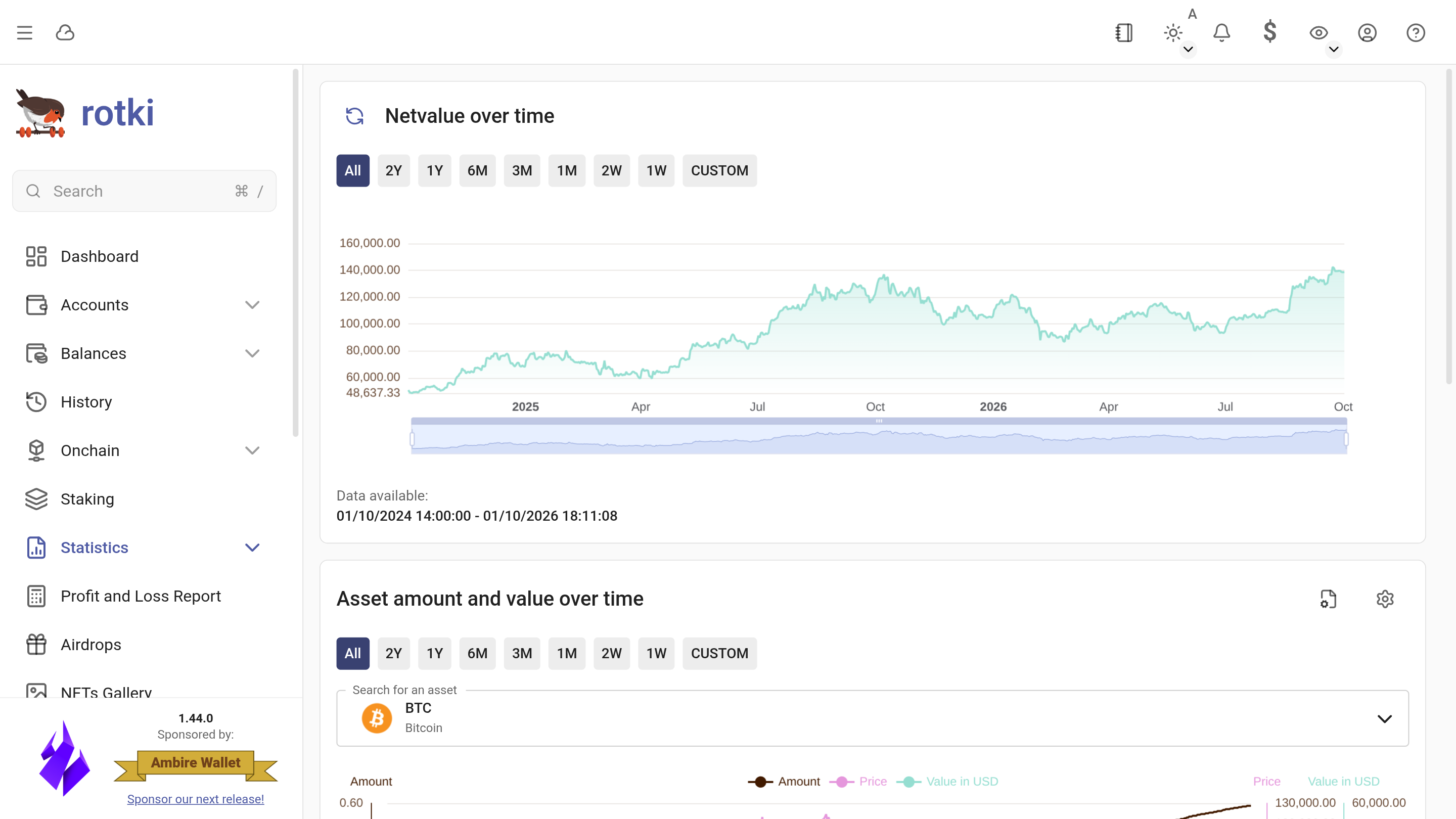
rotki statistics showing net worth and asset value over time
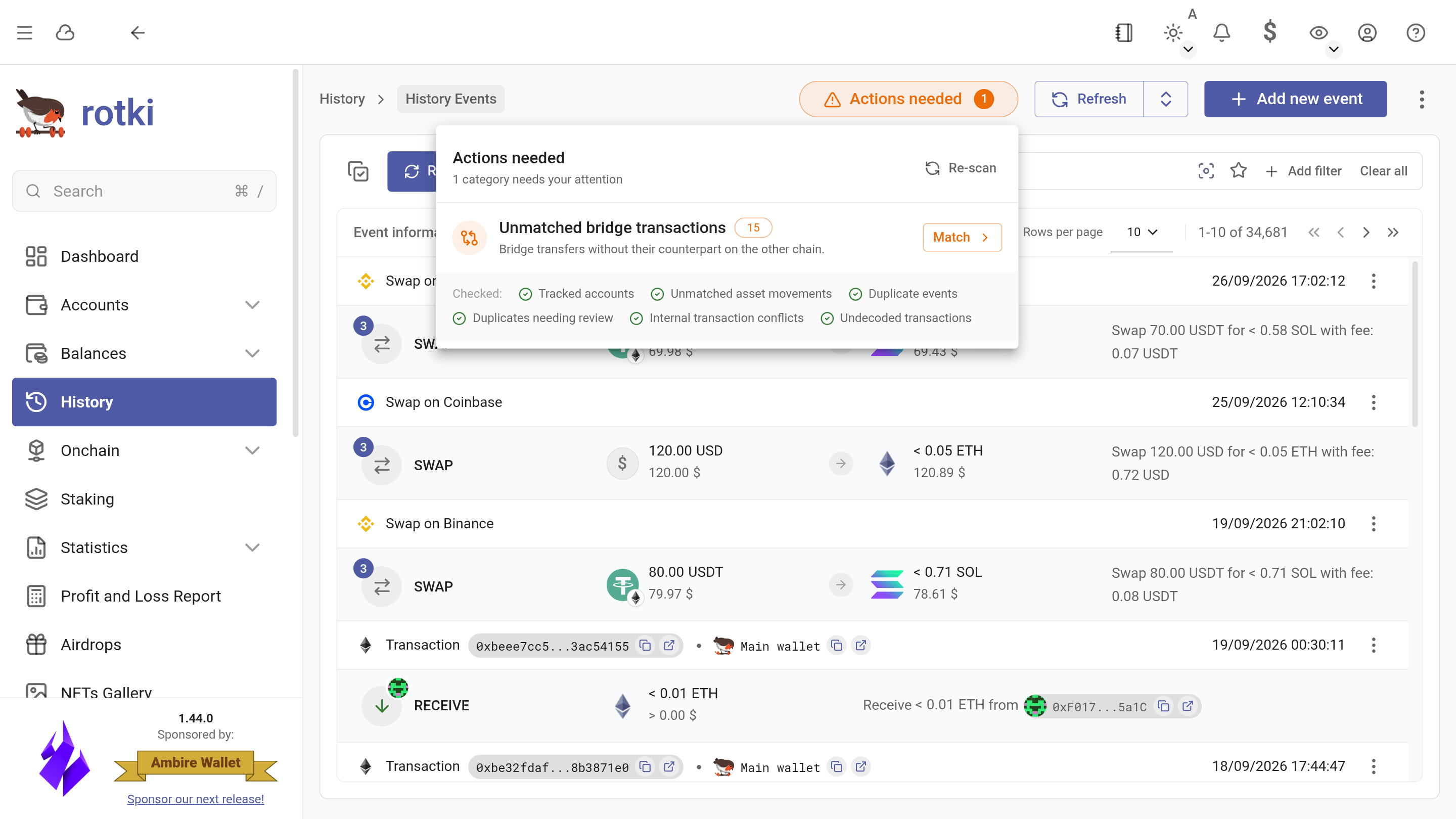
rotki actions center listing transfers that still need matching
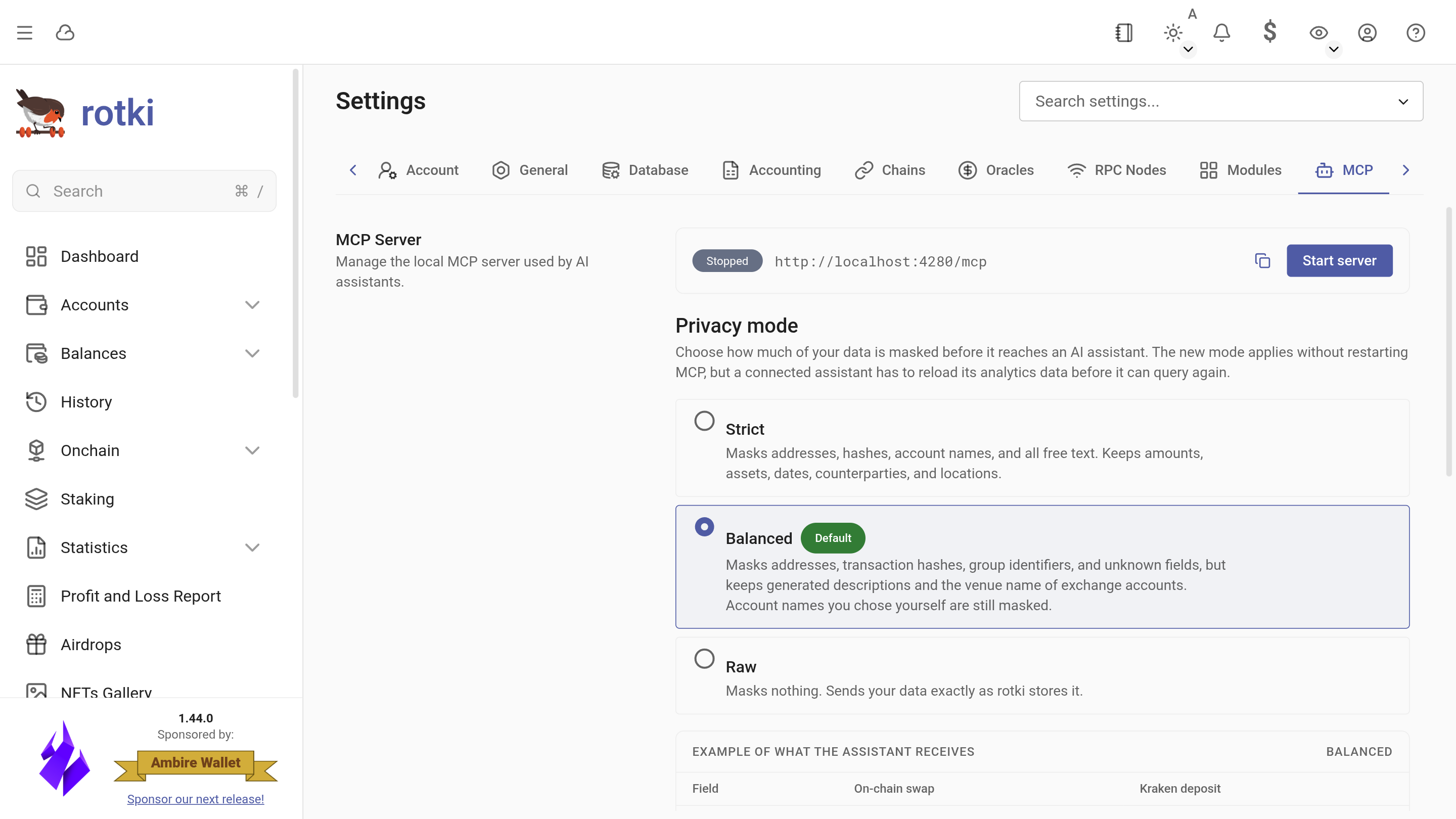
rotki MCP settings for connecting an AI assistant
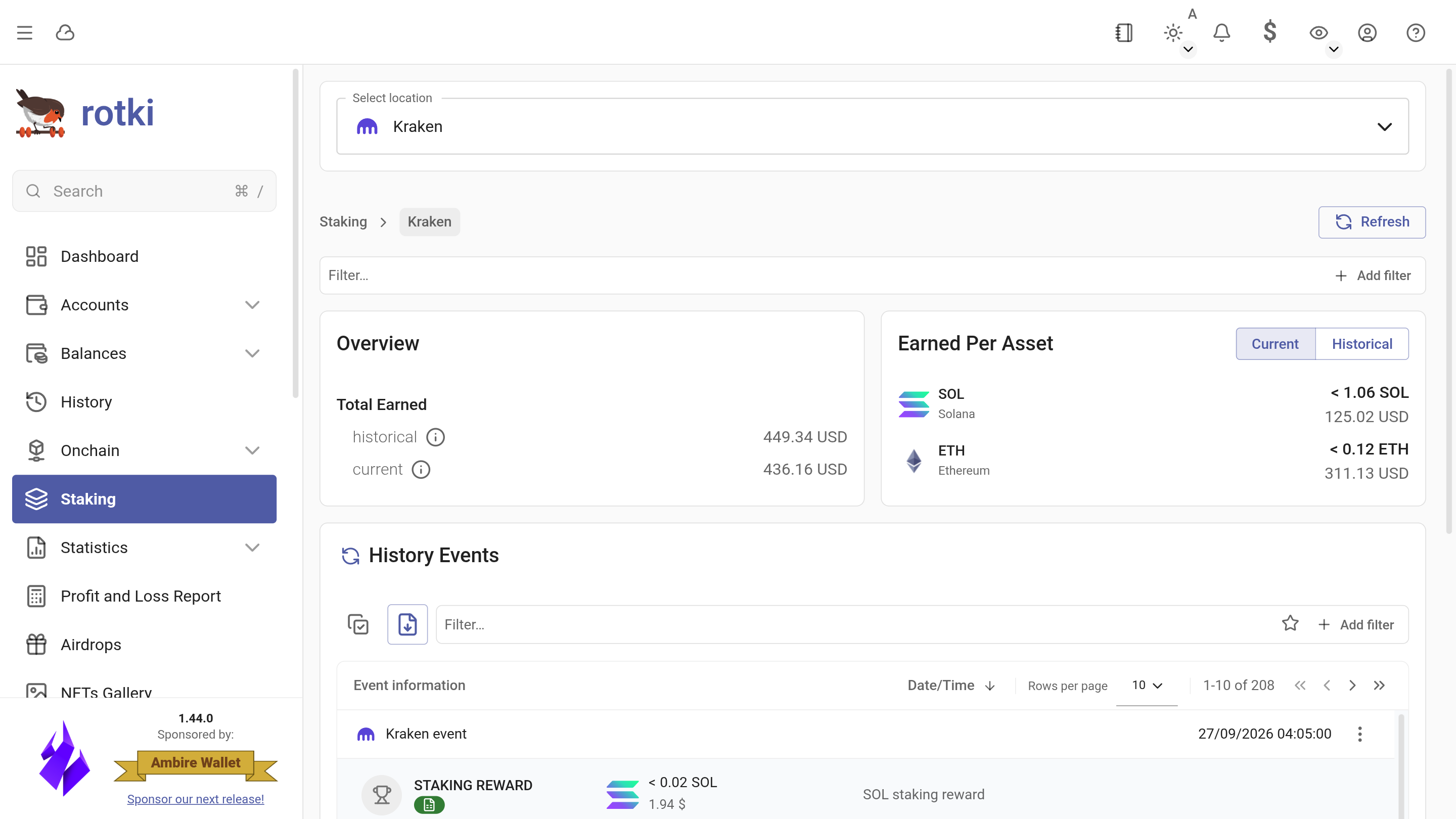
rotki Kraken staking overview with rewards per asset

When should you upgrade?

  • You track many wallets and exchanges and need higher limits
  • You want detailed staking insights and reward tracking
  • You want advanced analytics and deeper historical insights

Start free anytime, upgrade when you hit these needs.