
The open source crypto portfolio tracker that keeps your data yours
rotki brings your exchanges, wallets and DeFi positions into one app, decodes your on-chain history and produces profit and loss reports. Your data is stored encrypted on your own device, not on our servers.
- Free to start
- Windows, macOS, Linux and Docker
- No rotki account needed
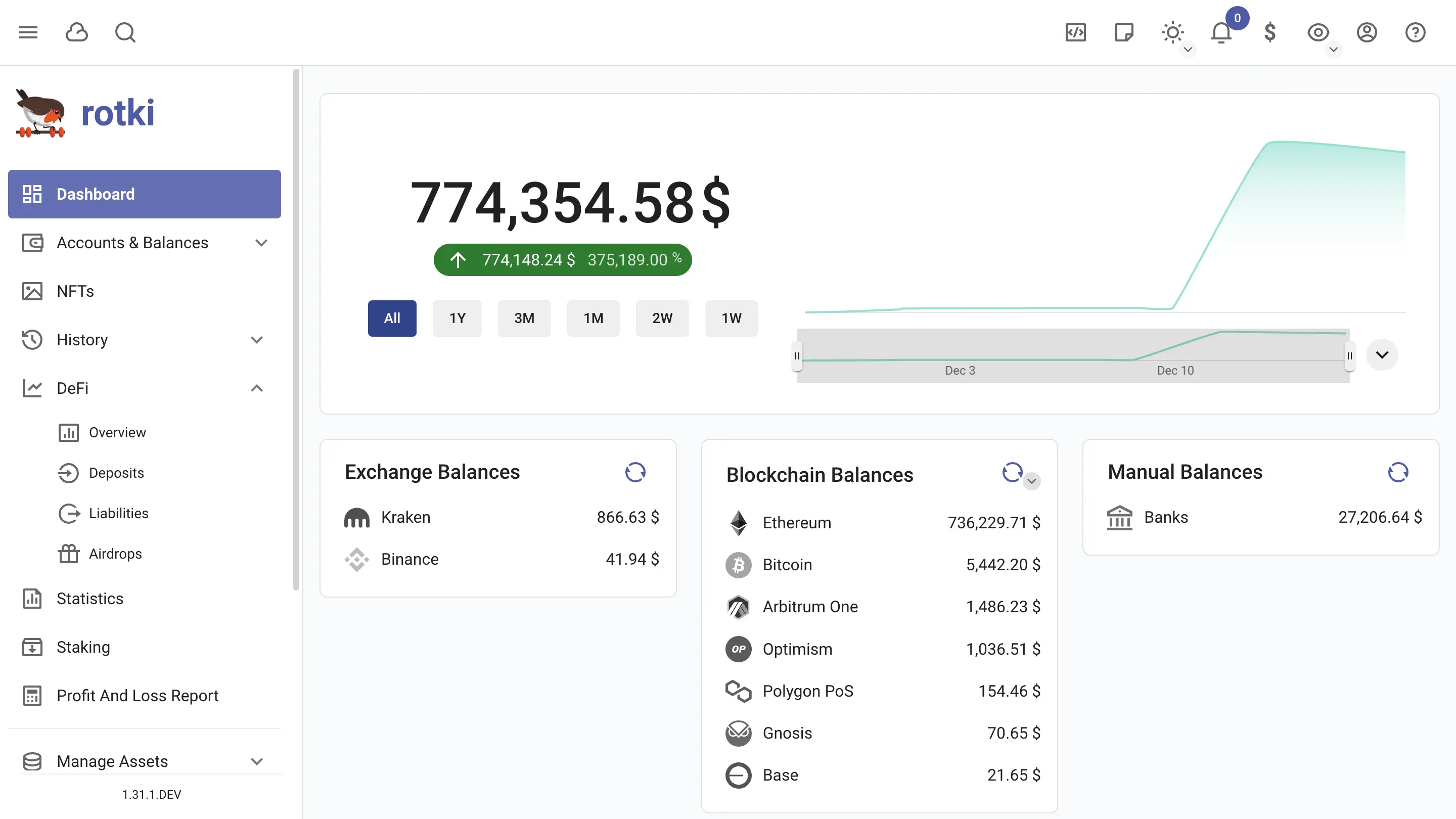
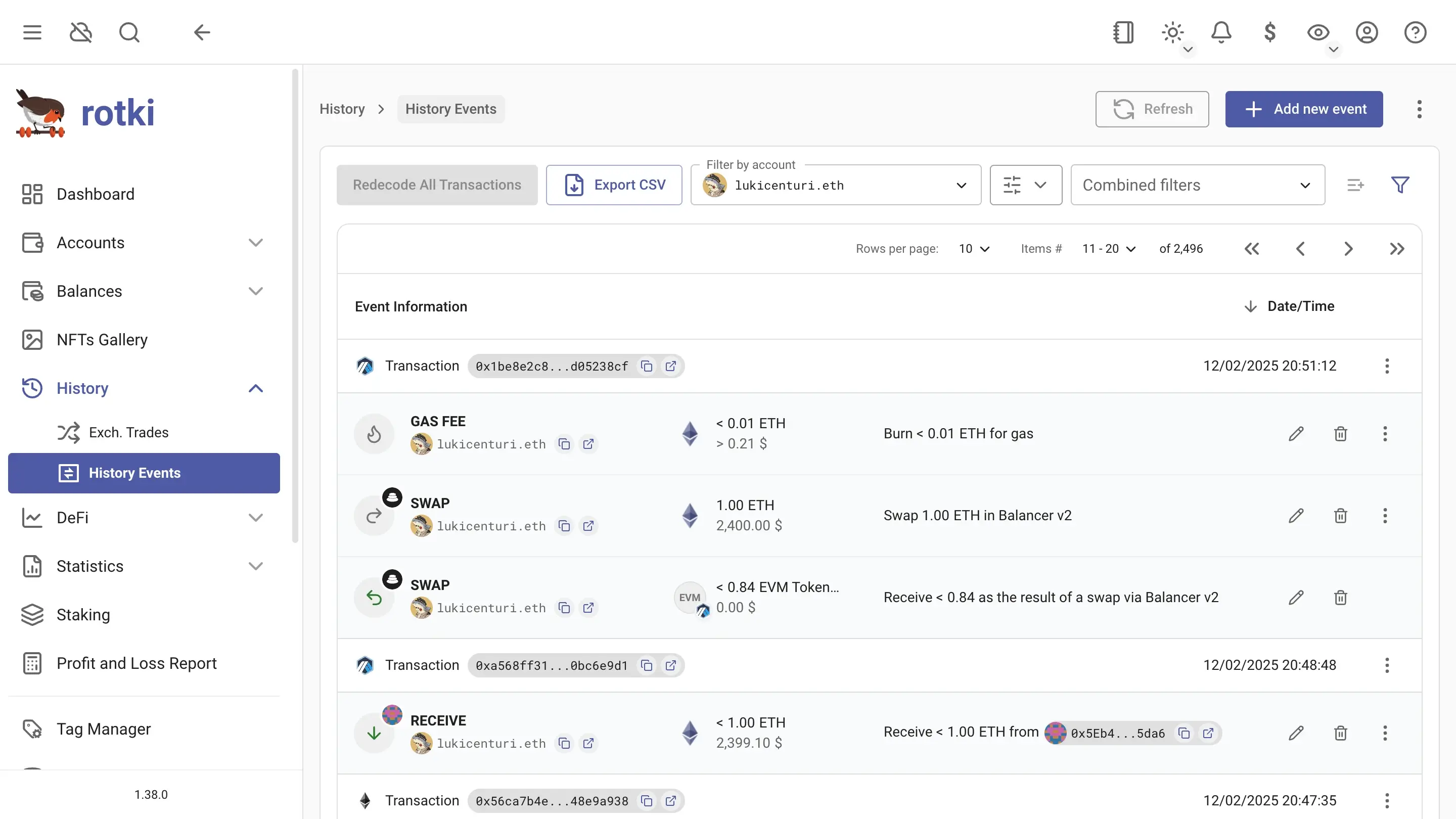
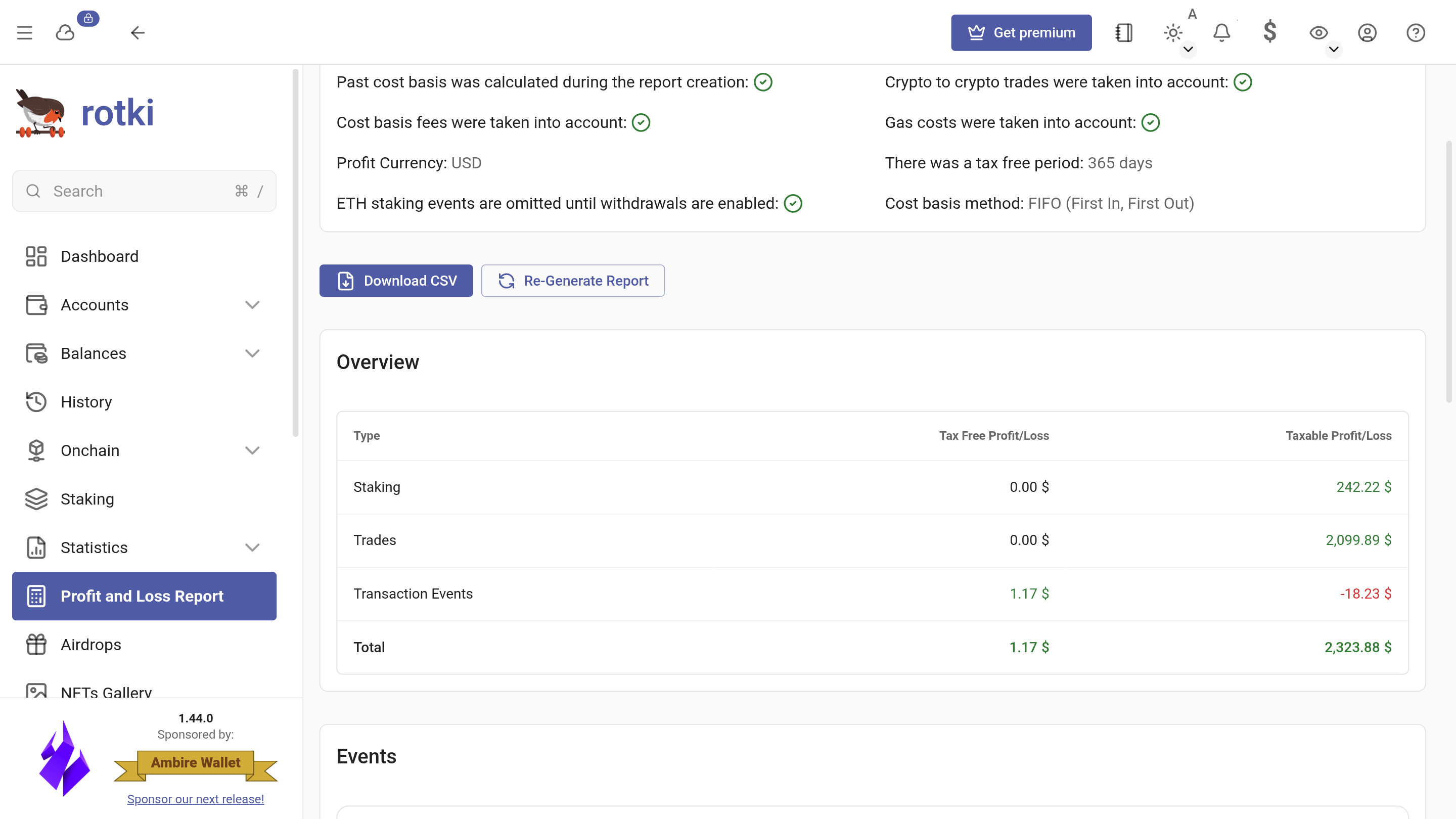
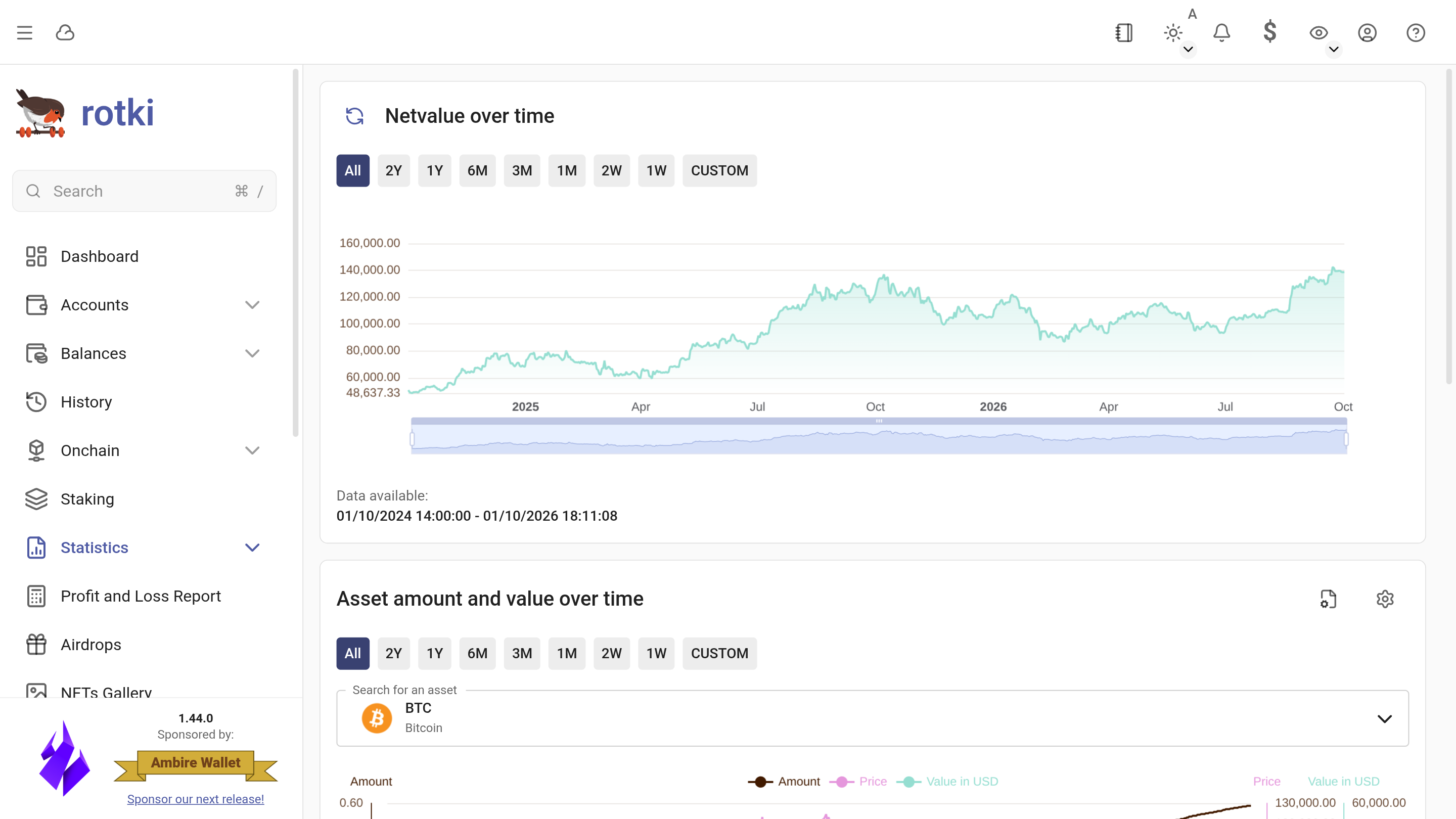
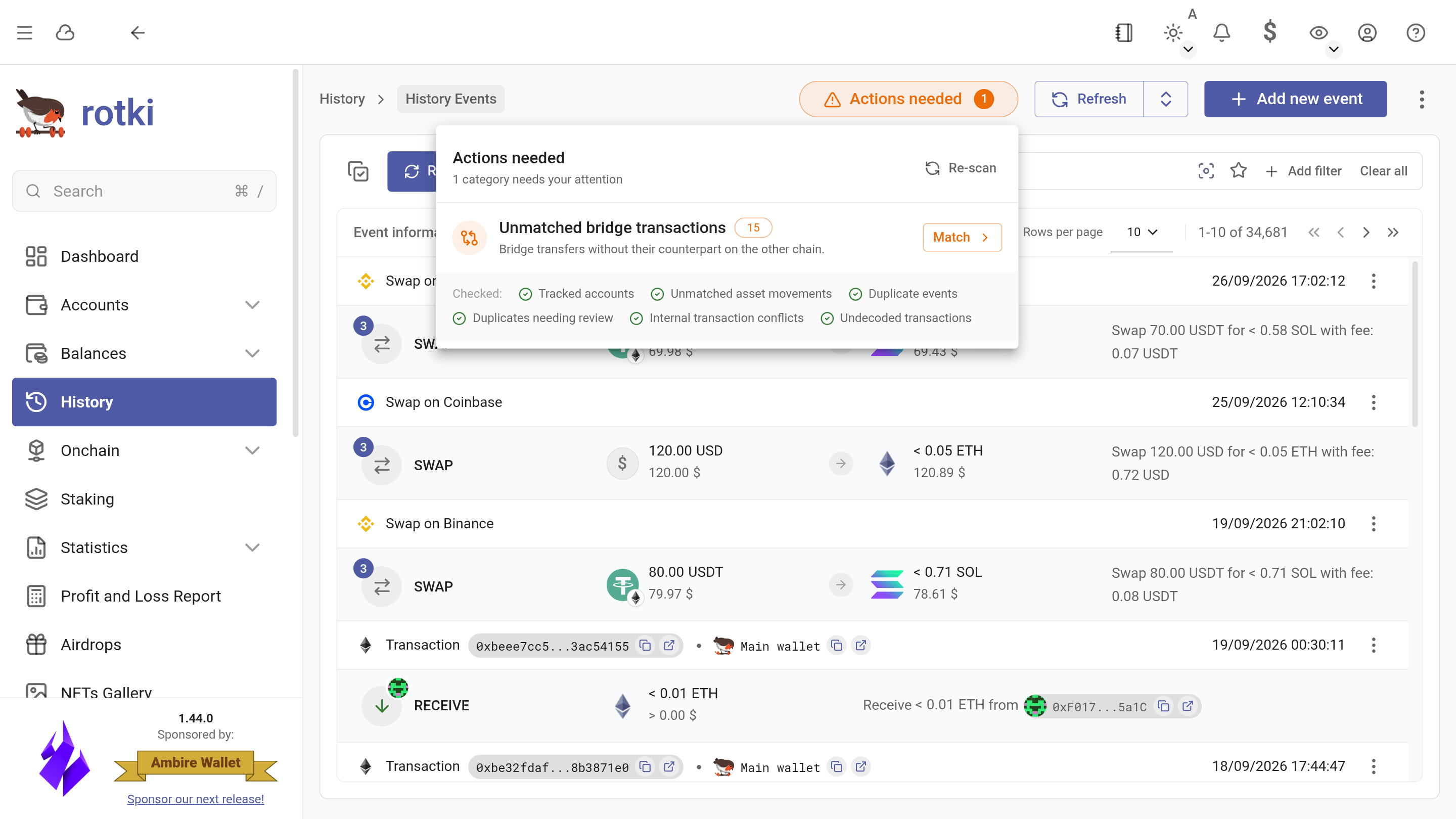
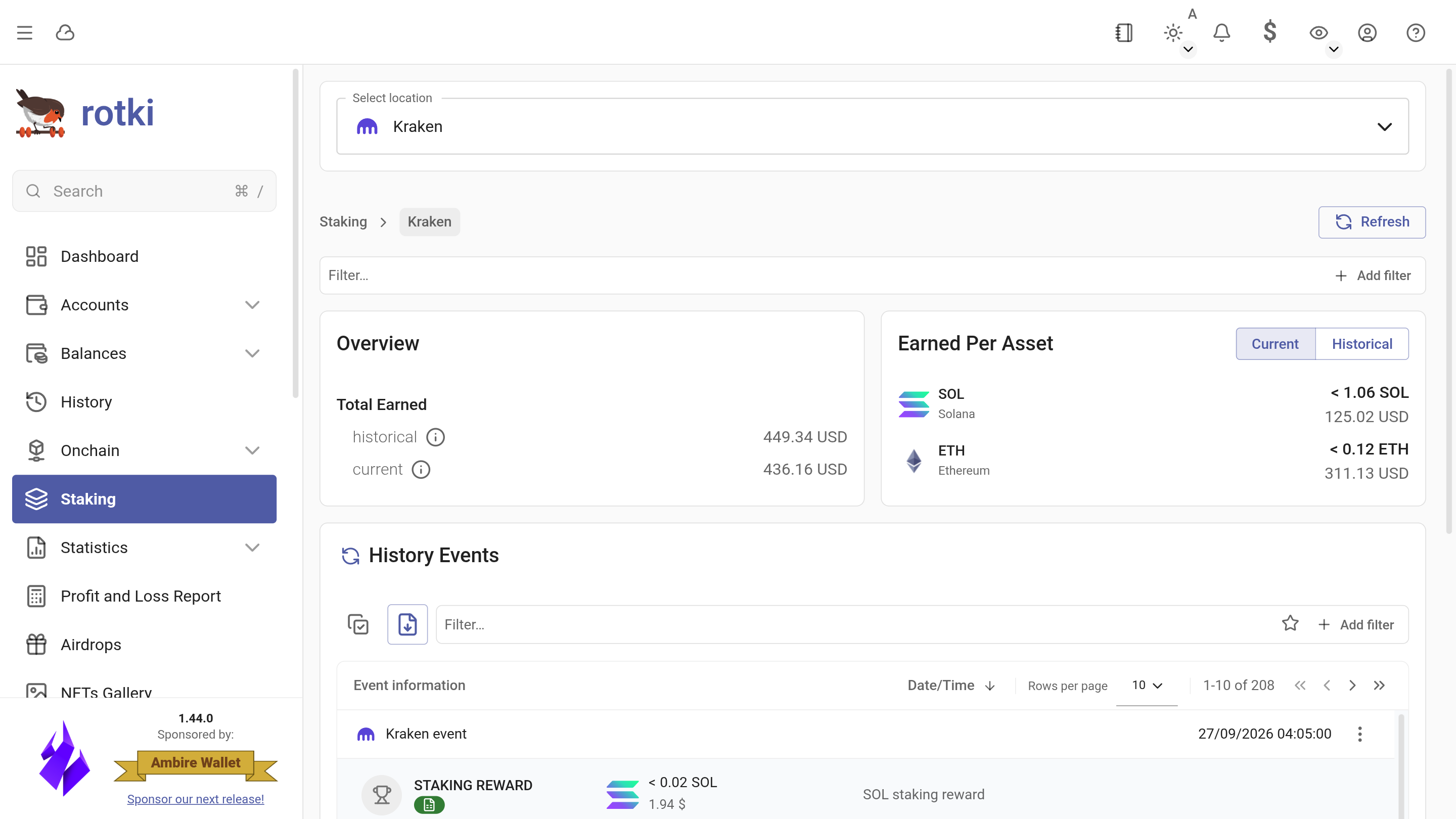
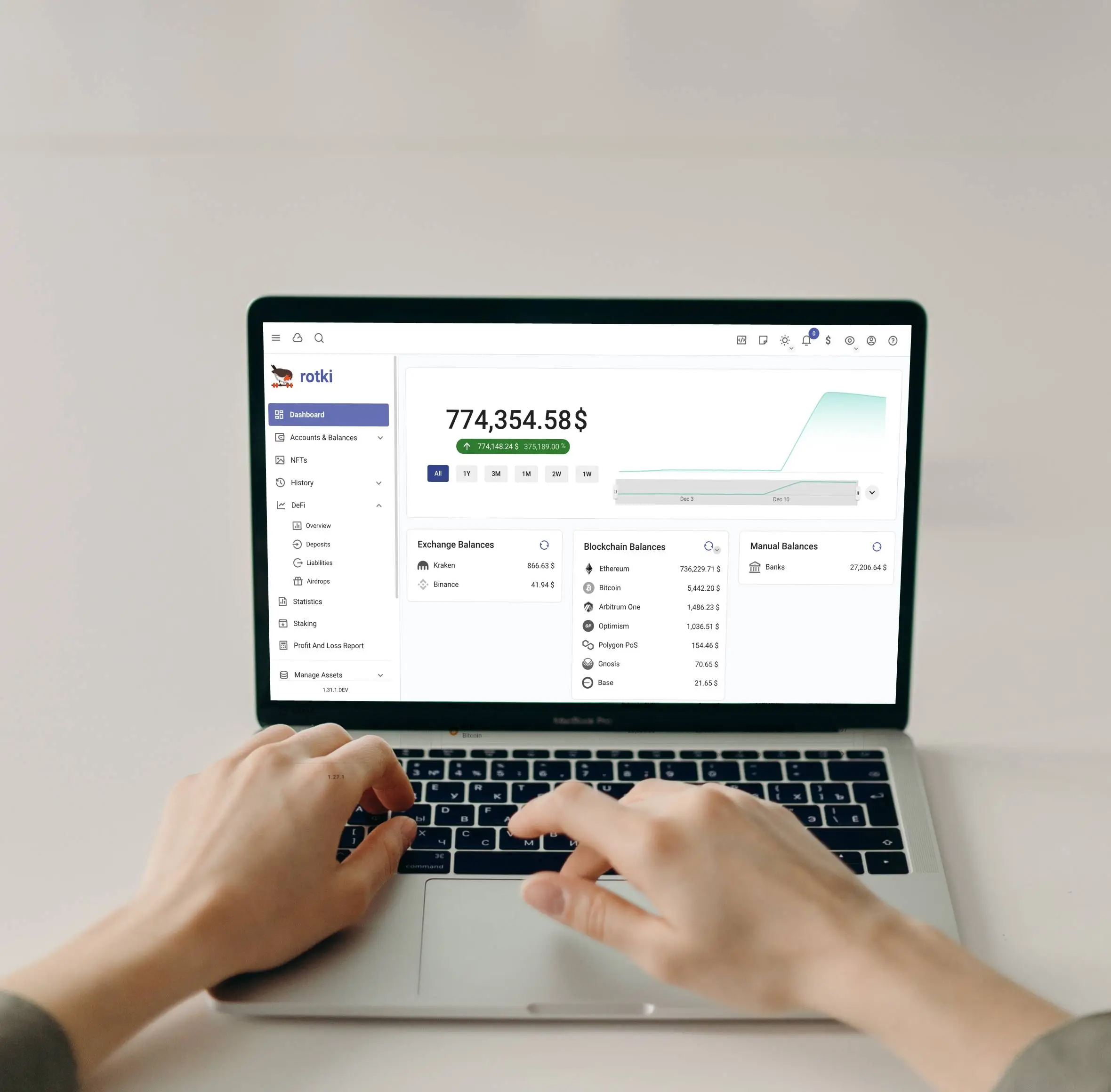
Dashboard
A 360° overview of your assets
Your finances, on your machine
Cloud crypto tax tools ask you to upload your entire financial history to their servers. rotki works the other way around: the app runs on your computer and your data stays in your hands.
Local and encrypted
Your history lives in a database encrypted with SQLCipher on your own device. Optional premium sync is encrypted with your password before it is uploaded.
Open source
Every line of code is public on GitHub, so you can check exactly what rotki does with your data instead of taking our word for it.
Read-only by design
Exchanges connect through read-only API keys and blockchains are queried through endpoints you choose. rotki never holds your funds.















Ask your AI assistant about your portfolio
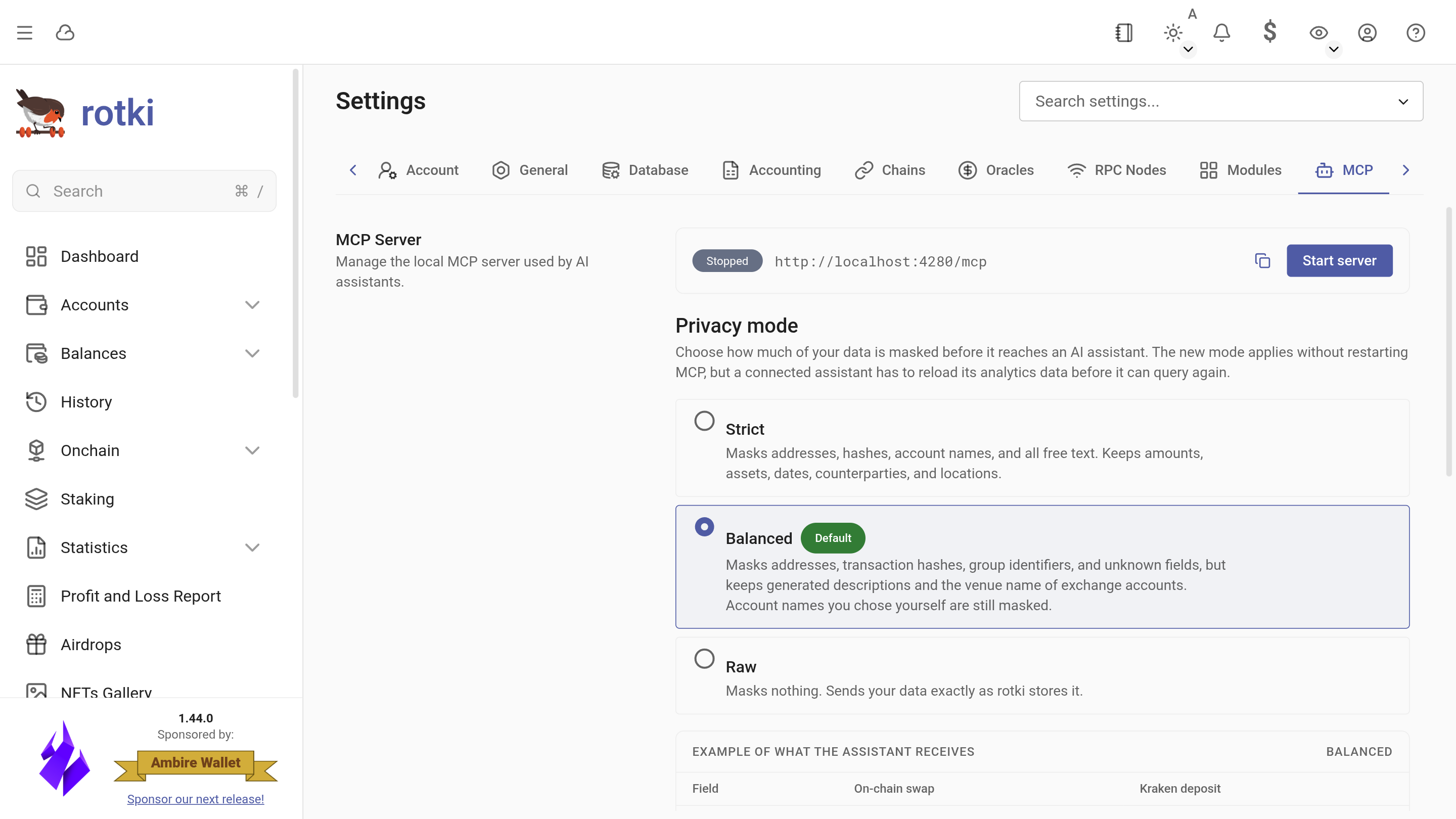
rotki runs an MCP server on your own computer, so an assistant such as Claude Code, OpenCode or ChatGPT can query your history and balances. Access is read-only, and identifiers are masked before anything reaches the assistant.
- How much ETH did I spend on gas last year?
- Which DeFi protocols did I use most in 2025?
- What are my ten largest holdings right now?
Privacy modes
You decide how much the assistant sees, and the settings show an example of what it receives in each mode.
- Strict Masks addresses, hashes, account names and all free text. Keeps amounts, assets, dates and locations.
- Balanced DefaultMasks addresses, transaction hashes and the account names you chose, but keeps readable event descriptions.
- Raw Masks nothing. Only for an assistant and provider you trust with your full history.
Don’t just take our word for it
What people who track their crypto with rotki say about it.
I think my identity has been stolen at every crypto tax product I have used over the years. Finally bringing the data under my control with Rotki and using the API with an agent to prepare cost basis and taxes this year was a breath of fresh air. This is the way.
 @_DanielSinclair
I highly recommend @rotkiapp, especially if you are a @gnosispay and @monerium user. I was able to categorize all my company's 2024 onchain transactions for my tax accountant in a couple of hours. This would have taken me at least 2-3 days without rotki.
 @pray_eth
Try @rotkiapp if you're looking for a private way to manage your crypto portfolio without sharing your email/data with an external accounting SaaS.
No email needed to create an account as it runs on your local machine. It allows you to aggregate multiple sources e.g. EVM/Bitcoin accounts (works w/ ENS too) and all major CEXs.
Can also help you identify any unclaimed/missed airdrops or generate PnL reports for accountability purposes.
And it's all open-sourced!
 @stoicaxyz
Take a look at @rotkiapp they spend a lot of time creating an awesome open source app and deserve more love than they get. 🥰
 @peter_szilagyi
Rotki has a wholesome team providing the crypto industry with the most comprehensive accounting and portfolio tracking tool, all while protecting your privacy. Simply the best!
 @wholesomecrypto
Me dropping everything, updating my local @rotkiapp and trying the @loopringorg integration.
Yeah, you should get your hands on this wonderful open source software. It’s just awesome 👏
 @fransixles
Just tried @rotkiapp! So far it's the best portfolio tracking app I have used. I also love that its open source. Awesome work @LefterisJP
 @shresth3103
Awesome If you haven't tried @rotkiapp then give it a go. There's a free version, but you'll want to go Premium after trying it. Rotki gives you control and the after sales is great too.
 @FlyGuyInTheSky
I use @rotkiapp because it is the only #crypto accounting and tracking tool that is 100% focused on privacy.
You can actually prove that.
When I found it I had to interview @LefterisJP to hear his story and you can too. https://youtu.be/AwMkOJQbhTY
@wholesomecryptoConstantly amazed at how useful @rotkiapp is.
Aggressive releases; deep portfolio tracking; private and local; finds your forgotten farms.
Check it out and then buy a license. It's cheap as hell and if it finds you a couple airdrops, will pay for itself 100x over...
 @richatlarge
Rotki is by far the best software to track positions and holdings across different chains and prepare for tax season where rules are different in most countries. Most tax software fails miserably to detect or recognise various actions and tokens, unlike Rotki.
 @nonsens3
I don't trust these crypto accounting SaaS providers with my data. They will literally see all your wallet addresses, including your real home address. No way I'm gonna PAY to give it to them!
That's why I use Rotki!
 @_smoothninja
Go further with rotki Premium
The free app covers the essentials. Basic and Advanced raise the limits and add analytics, AI assistant access and sync. If those are more than you want to spend, Supporter lets you back the project and gives you more room for your history.
Higher history limits
The free app processes 1,000 events. Supporter, Basic and Advanced raise that to 3,000, 30,000 and 100,000.
Graphs and statistics
Net worth, asset amounts and value over time, with breakdowns of your holdings by location and by asset.
Basic and AdvancedAI assistants via MCP
Let an AI assistant analyze your events and balances through rotki's MCP server, read-only and with privacy modes you control.
Basic and AdvancedAsset movement matching
Link exchange deposits and withdrawals, and both legs of a bridge transfer, to their on-chain transactions so your history adds up.
Basic and AdvancedETH staking
Track your ETH validators: Basic covers up to 128 ETH staked and Advanced up to 384 ETH, with rewards and performance per validator.
Basic and AdvancedEncrypted sync and backup
Back up your database and use it on several devices. It is encrypted with your password before it is uploaded.
Basic and Advanced
Simple pricing, start for free
Start with the free app. Upgrade when you need higher limits or premium features, and cancel any time.
 Save 2 months vs monthly
Frequently asked questions
More questions? The documentation covers setup, every integration and troubleshooting.
Is rotki free?
Yes. The free app covers portfolio tracking, history decoding and profit and loss reports for up to 1,000 events. Paid plans raise that limit, and Basic and Advanced add graphs, ETH staking tracking, AI assistant access over MCP and encrypted sync.
Where is my data stored?
On your own computer, in a local database encrypted with SQLCipher. Your financial data never passes through rotki servers. If you turn on premium sync, your backup is encrypted with your password before it is uploaded, so we cannot read it. Anonymous usage analytics are on by default and you can turn them off in the settings.
Which exchanges, blockchains and protocols are supported?
rotki supports the major centralized exchanges, Bitcoin, Ethereum and EVM chains such as Arbitrum, Base and Optimism, Solana, and a long list of DeFi protocols. The integrations page has the full, searchable list.
Can rotki prepare my crypto tax report?
rotki creates a profit and loss report for any time range across all your assets, which you can export as CSV for your accountant or tax software. It is not a tax filing service, so check the results against the rules where you live.
Which operating systems does rotki run on?
Windows, macOS (Apple Silicon and Intel) and Linux (AppImage, .deb or .tar.xz on x86_64). There is also a Docker image for amd64 and arm64 if you prefer to self-host rotki on a server you control.
Do I need to create an account?
No. The app runs fully without one, and your local rotki user is protected by a password only you know. A rotki.com account is only needed to buy a premium subscription.